
Printable Flashcards
Best Printable Flashcards for Students, Teachers, and Parents (2026 Guide)
Summary
Tactile Engagement: Physical cards improve memory through touch and spatial organization.
Zero Distractions: No notifications or screen fatigue, allowing for 100% focus.
AI Integration: Use TurinQ to instantly generate high-quality printable sets from any digital source.
Flashcards have stood the test of time, but the way we create them has evolved. We no longer spend hours with markers and index cards. In 2026, the “best” printable flashcards are generated with surgical precision using AI-powered learning tools like TurinQ.
For Teachers: Automated Classroom Mastery
Teachers are the architects of student success. In 2026, the most effective educators use TurinQ to bridge the gap between digital lectures and physical classroom activities.
Lesson Plan Integration: Upload a PDF of your weekly lesson plan; the AI extracts the most important definitions and dates instantly.
LMS Compatibility: Export these cards as a print-ready PDF, ensuring every student has a uniform, high-quality study resource.
Bloom’s Taxonomy Alignment: Customize the difficulty—from basic recall for beginners to complex analysis for advanced students.
For Parents: Engaging Early Learners
Parents in 2026 are increasingly looking for screen-free educational tools. Printable flashcards offer a tactile experience that digital apps simply cannot match for young children.
Visual Literacy: Use TurinQ to generate cards with high-quality images for sight words and basic math.
Custom Themes: If your child loves space, paste a link to an educational YouTube video, and the AI will build a themed deck in seconds.
Durability Tip: Print on heavy cardstock (65lb+) or laminate your cards to survive the “enthusiasm” of early learners.
For Students: The Final Exam Power-Up
When the exam approaches, you need to shift from passive reading to active recall. While digital apps are great for commuting, physical cards are superior for deep, focused study.
YouTube to Flashcards: Paste the URL of a complex science lecture. TurinQ analyzes the transcript and generates a printable deck.
Handwriting OCR: Snap a photo of your handwritten notes. The AI reads your writing and converts it into a clean, printable PDF format.
Spaced Repetition (Manual): Use the Leitner System with your physical cards. Group them into boxes based on how well you know them, ensuring you spend time on the hardest concepts.
Create Your Custom Printable Decks for Free
Don’t settle for generic, pre-made cards. Take control of your learning with the most advanced student productivity tools available.
Start your session with TurinQ today:
14-Day Free Trial: Full access to the AI Study hub and PDF export features.
10 AI Credits: Generate your first professional-grade deck from any document or video link.
Universal Content Support: Upload PDFs, .mp3 audio, YouTube links, or photos of your notes.
Smart Dashboard: Keep all your subjects organized in one high-efficiency center.
Start with TurinQ for free today!
Don’t let the vocabulary of medicine hold you back from your white coat. Master the terminology with the most advanced student productivity tools available.
Final Thoughts
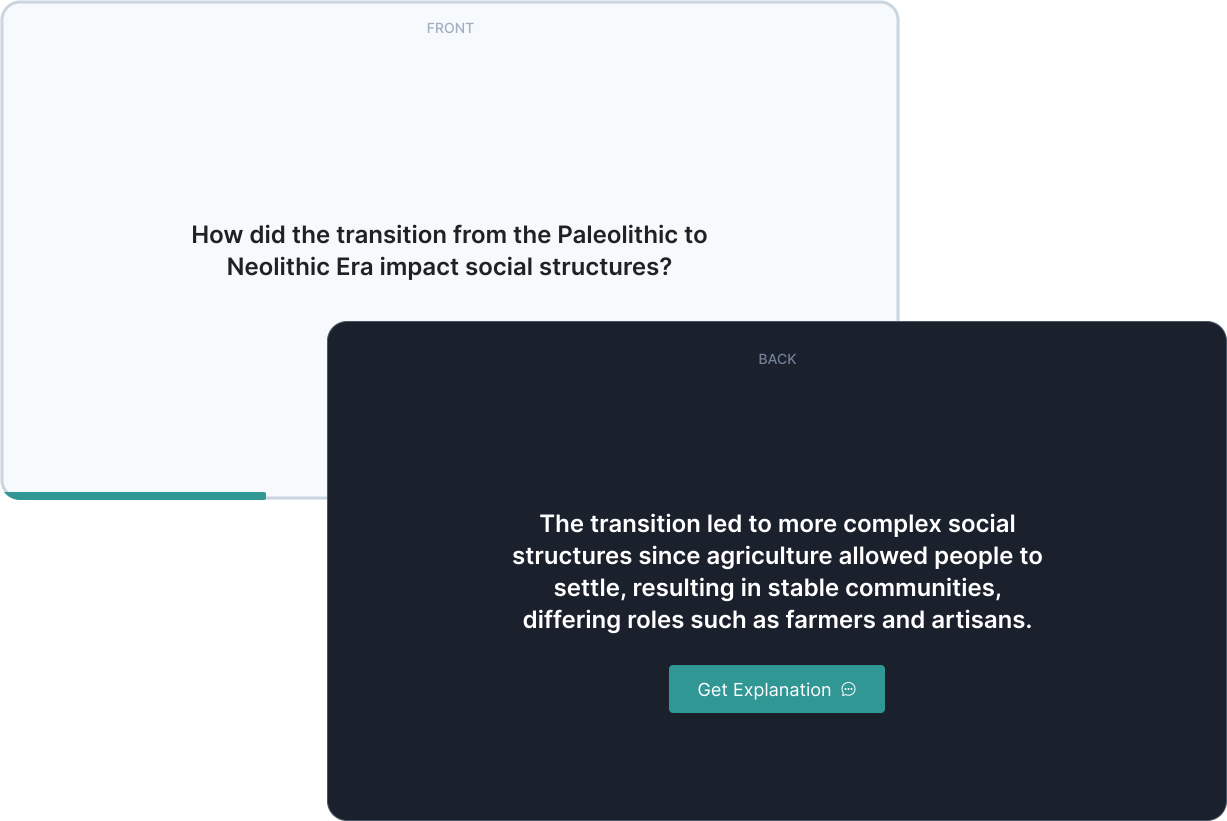
Printable flashcards remain the ultimate tool for focused, screen-free learning in 2026. By utilizing the automation of TurinQ, teachers, parents, and students can create highly personalized, effective study sets in seconds. In a world of digital distractions, sometimes the most high-tech thing you can do is print out a high-quality, AI-generated deck and get to work.
Frequently Asked Questions
Can I use TurinQ to make flashcards from a YouTube video?
Yes! Simply paste the URL, and the AI will analyze the transcript to create a deck of flashcards based on the video’s key points.
What is the best paper for printable flashcards?
Cardstock (between 65lb and 110lb) is best. It prevents the text on the back from showing through and makes the cards much more durable.
Can I export my cards to Anki or Quizlet?
Absolutely. While TurinQ is perfect for printing, it also supports exporting to digital formats like CSV and JSON for use in other popular apps.
How do I get the double-sided printing right?
When printing your printable flashcard PDF, ensure your printer settings are set to “Flip on Short Edge” (for landscape) to keep the front and back perfectly aligned.
Table of Content
Recent Posts



Shapes Flashcards

Number Flashcards

Colors Flashcards
